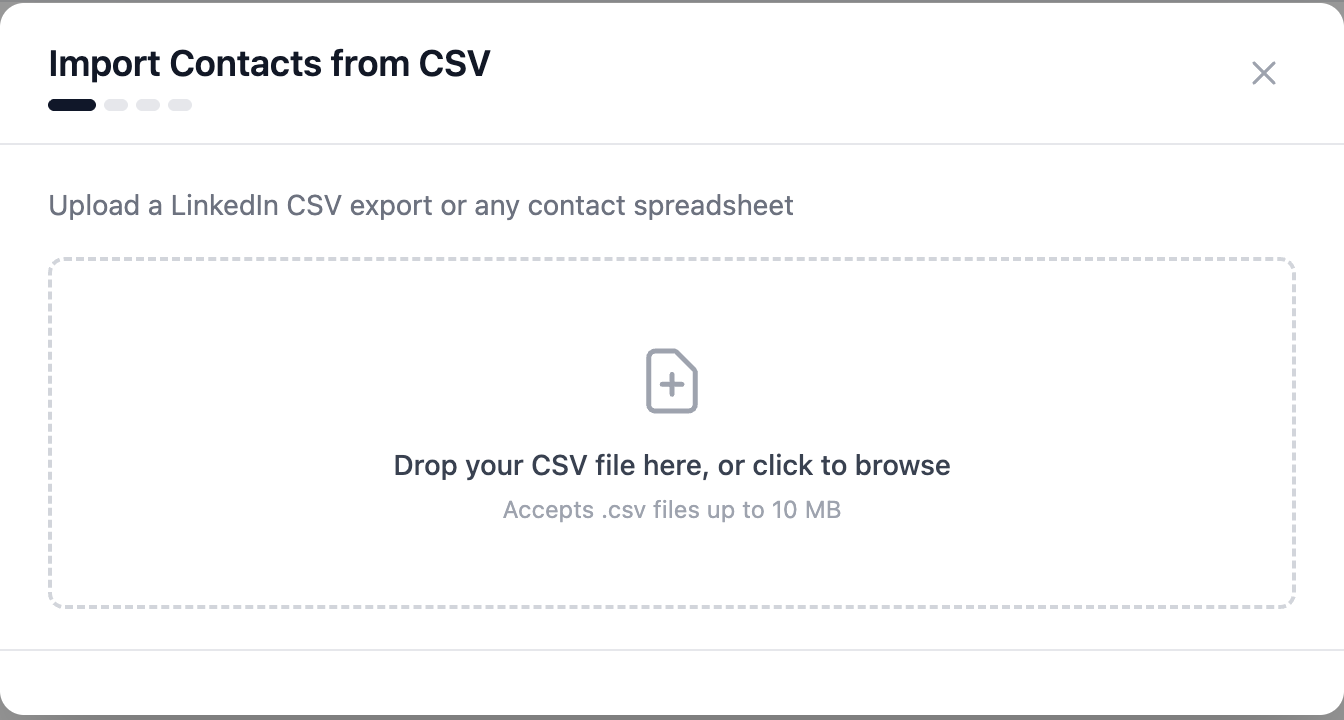
If you already have candidates identified (a spreadsheet from an earlier process, a LinkedIn export, the sheet your client sent you), there's no need to search for them again: upload it and they land in HeyTalent like any other candidate.
Importing lives in Contacts, under the Import CSV button in the top right.
Preparing the file
It takes a LinkedIn CSV export or any contact spreadsheet. The minimum you need is two columns:
- one with the candidate's name,
- and one with the link to their LinkedIn profile.
Working in Google Sheets? File → Download → Comma-separated values
(.csv) and you're done. The file has to be a .csv and weigh under
10 MB.