Exporting is free: it spends no credits. You can take the whole list or only the candidates you've selected.
The two routes
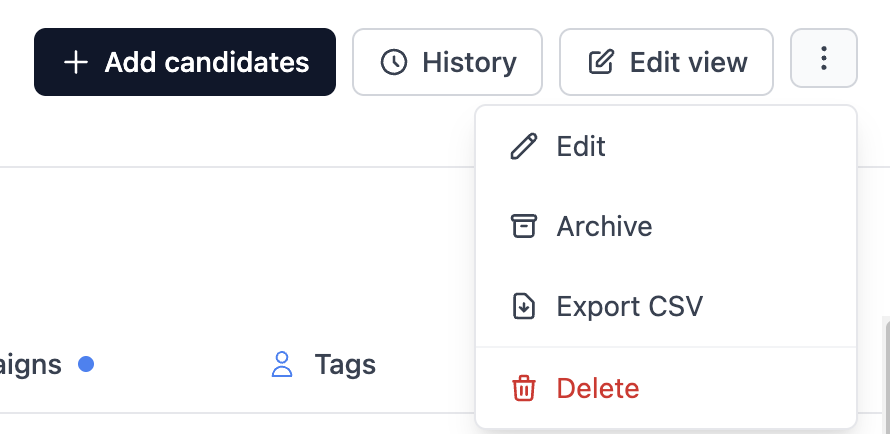
The whole list. inside the list, the ⋮ menu in the top right has Export CSV, next to Edit, Archive and Delete.
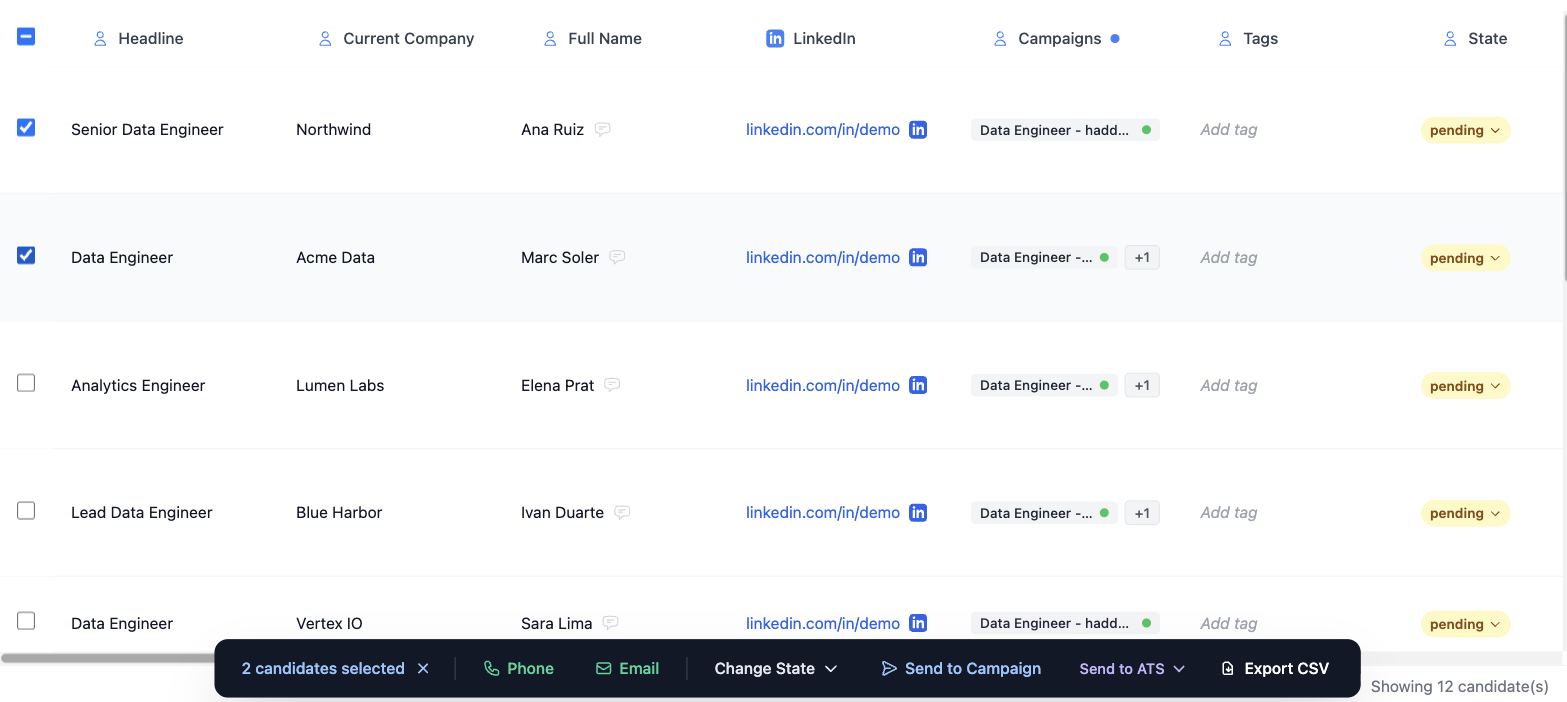
A selection only. tick the candidates you want and hit Export CSV in the action bar at the bottom.
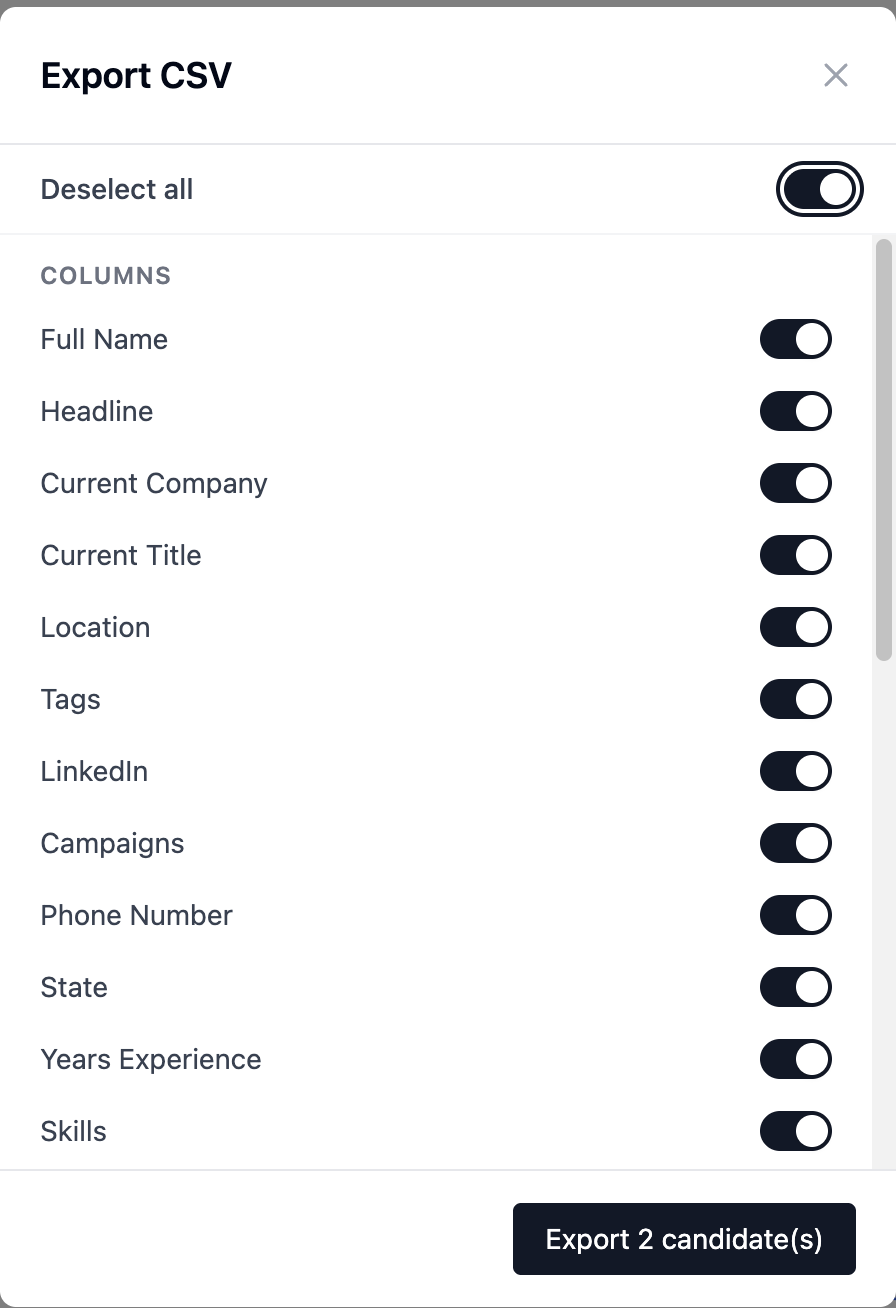
The dialog's button confirms how many you're exporting (Export 2 candidate(s)), so if the number looks wrong, check the selection before going ahead.
Choosing the columns
The dialog lists everything you can take, in two blocks:
- Columns: the candidate's data: Full Name, Headline, Current Company, Current Title, Location, Tags, LinkedIn, Campaigns, Phone Number, State, Years Experience, Skills, Education, Languages, Added At, About, Open to Work, Certifications, Email, Other lists.
- AI Variables: one entry per evaluation criterion the AI generated for that list. Switch them on here if you want the scoring in your spreadsheet.
At the top, the Select all / Deselect all toggle flips everything at once.